Getting Started
Per-sheet walkthrough — L1 Reconciliation Dashboard.
What the sheet shows
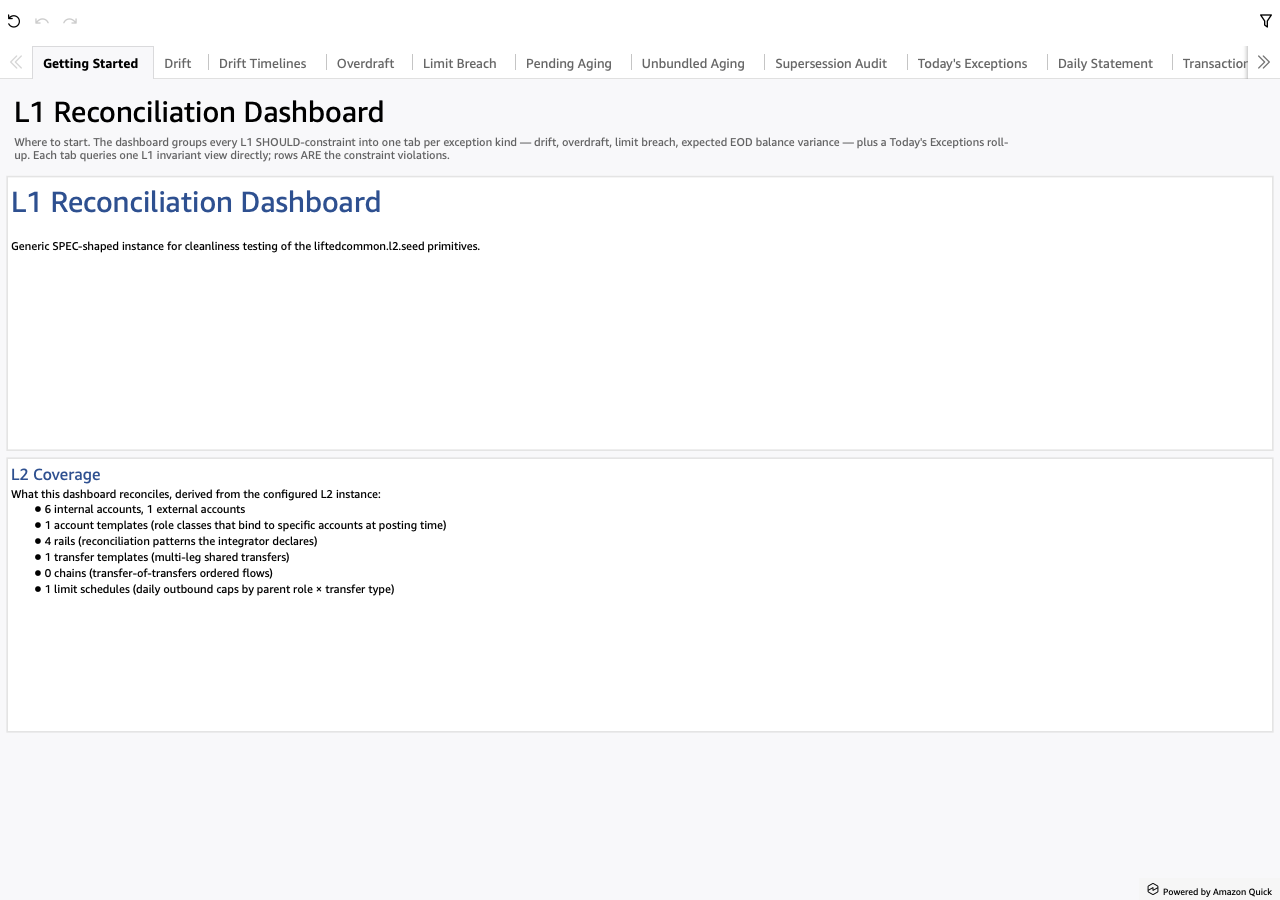
The landing page, two TextBox blocks both driven off the configured L2 instance:
- Welcome — large heading plus the L2 instance's top-level
descriptionfield as the body. Switch the L2 and this prose switches with it (no code change). - L2 Coverage — bullet inventory derived from the L2 instance: internal account count, external account count, account templates, rails, transfer templates, chains, limit schedules. Gives the analyst the SHAPE of the institution before they tab over to the exception sheets.
Screenshot
When to use it
First load. Re-open after switching L2 instances, or after a major schema change, to confirm the dashboard is reading the L2 you expect.
Visuals
- Welcome — TextBox carrying the L2's institution narrative.
- L2 Coverage — TextBox bullet list pulled from the L2 inventory.
No KPIs, tables or drills — the sheet is purely descriptive.
Drills
None. This is the orientation page; the analyst's first click is typically a tab over to L1 Exceptions.